
Music that plays itself.
A small box for your venue.
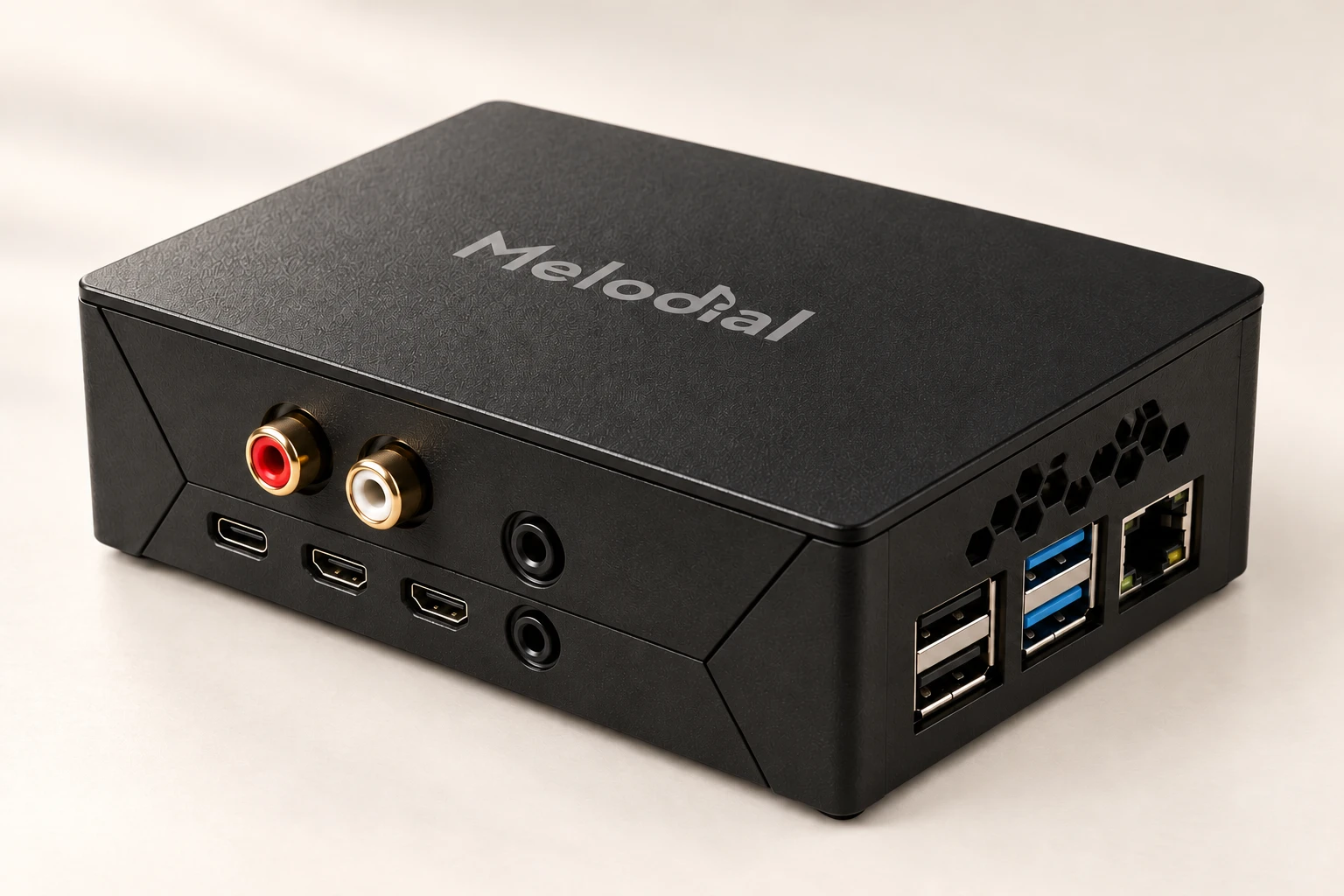
The Melodial player plugs into your amplifier or speakers and plays your location’s music by itself: your schedule, your playlists, your radios, all day, with no phone or PC left running. The Melodial app on your phone or computer is its remote.
£165 per player, one-off. Available now: tell us about your venue and we come back to you by email.
Nothing to keep open, nothing to keep unlocked
It starts with the shop
Power on and it plays. No browser tab, no app in the background, no screen that has to stay unlocked, no battery saver stopping the music at four o’clock.
Your schedule runs on the unit
Daypart slots start and stop on the player itself, not in an app someone has to leave running. The usual reason a schedule “did not fire” goes away.
It keeps playing when the internet drops
The player keeps downloaded copies of what it plays. If the connection goes, the music carries on, and it catches up on any change when the connection returns.
Playing in three steps
Plug it in
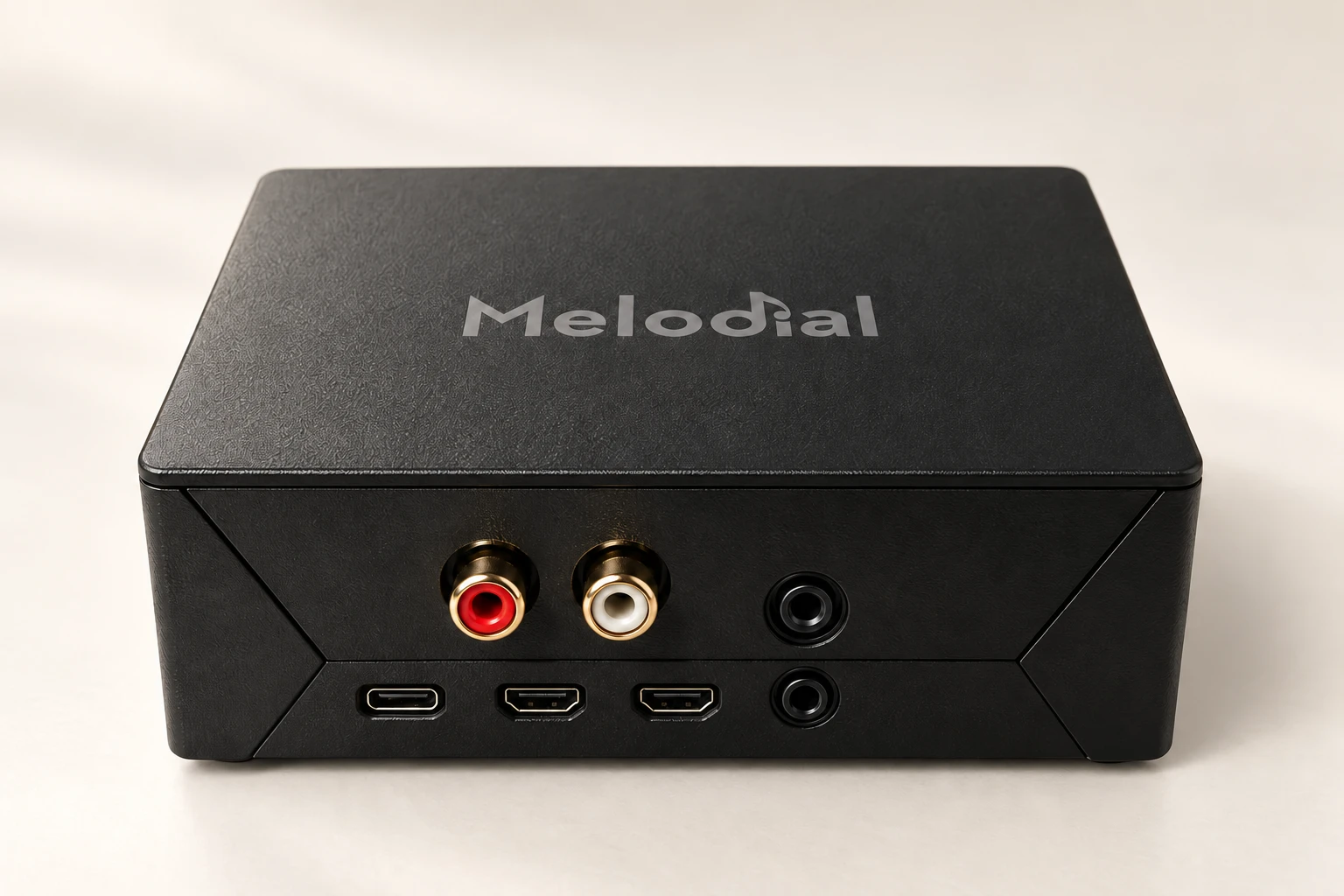
Power, the audio lead into your amplifier or powered speakers, and a network cable to the router or your WiFi. With no cable, the player opens its own setup network and a phone connects it to yours.
Add it in the app
Open Devices, press “Add a player” and type the code from the sticker on the unit. That links the player to your location.
The setup guide →Choose what it plays
Your playback schedule, or a playlist or radio you pick. From then on the app is the remote: play, pause, skip, volume and shuffle all drive the player.
The app is the remote
Once a player is added, the Melodial app on your phone or PC stops playing music itself and drives the player instead. Press play on any playlist or radio and it goes to the unit. The player bar shows what is playing, and the Devices card shows whether the player is online, what it is playing and what comes next in the schedule.
Want the music on your phone for a moment? “Play on this device” takes it over; “Back to the player” hands it back. A location plays in one place at a time, so the player and a phone never play over each other.
In the box
- The Melodial player
- Its power supply
- A stereo audio lead for your amplifier or powered speakers
Good to know
- Connects to
- Any amplifier or powered speakers with a line input
- Network
- Wired to your router, or WiFi
- Setup
- The code on the sticker, typed into the Melodial app
- Updates
- By itself, between tracks
- Status
- A light on the unit: steady while playing, blinking while it waits
- Licence
- Plays on your location’s existing Melodial subscription, one player per location
- Price
- £165 per player, one-off; your subscription stays as it is
Frequently asked questions
Do I still need the app?
Can I still play music on my phone or computer?
How do I connect it to WiFi?
What happens if the internet goes down?
Does it need Melodial Plus?
Can it play a single track, or my Browse results?
I have several locations. How many players do I need?
What does it cost, and where do I get one?
Tell us about your venue
A few details and we come back to you by email with the next steps.
Thank you
We have your enquiry and will reply by email with the next steps.
Music that plays itself, all day
Tell us about your venue and we take it from there.
Ask about the player